Help · Drafting and redlines
Help
Compare two versions
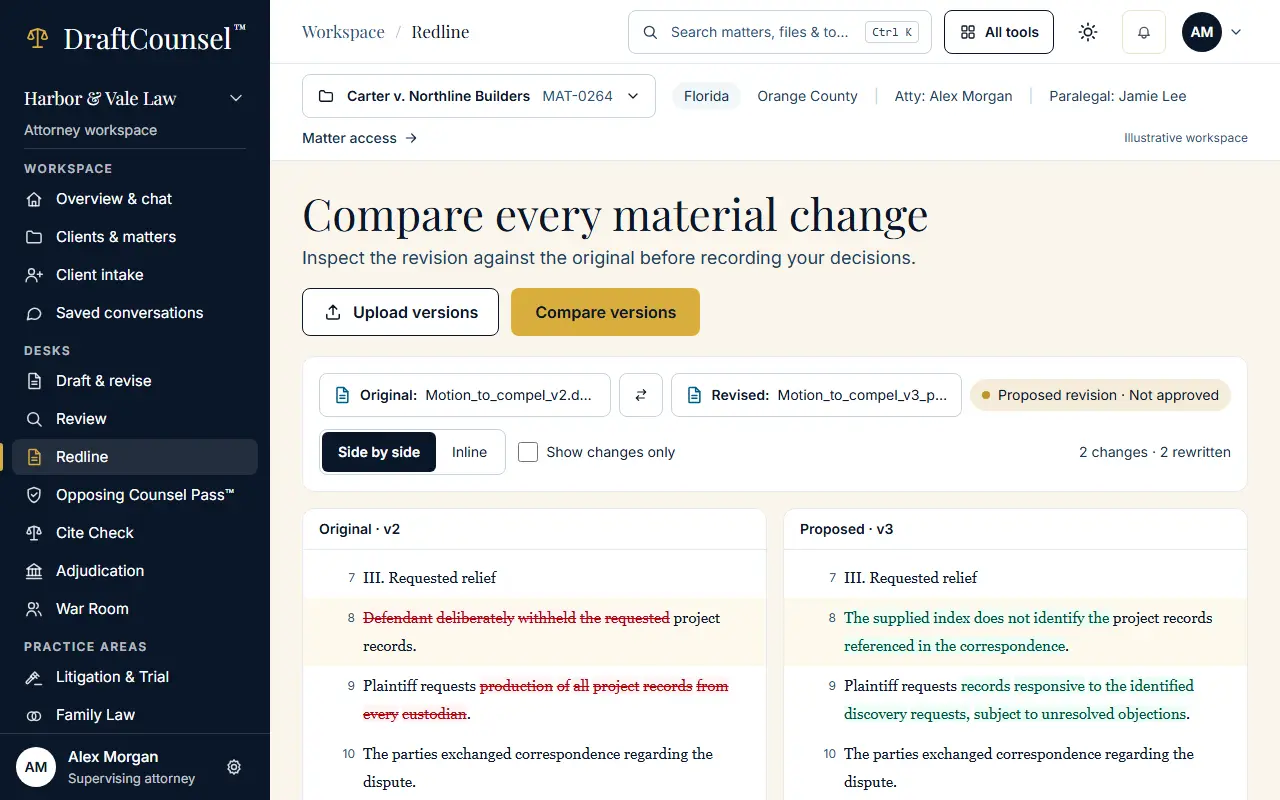
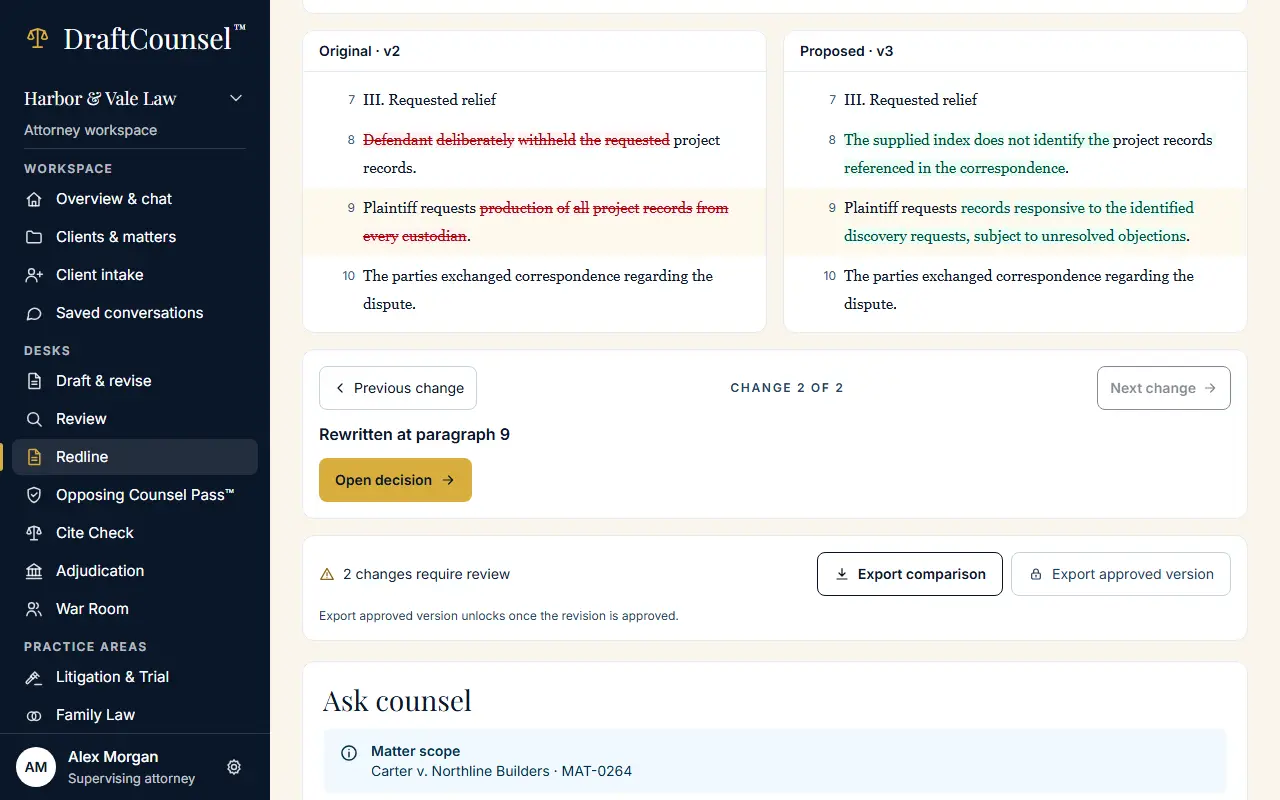
The redline desk shows every material change, side by side or inline, and steps from change to change.
Step 1 of 2: Open the redline desk. The changes between the original and the revision are listed and marked.
Step 2 of 2: Choose Next change to step to the next change.
The screens are captured by the test that performs this guide; the illustrative workspace in them holds fictional matters only.