Help · Matters and the workspace
Help
Find a matter
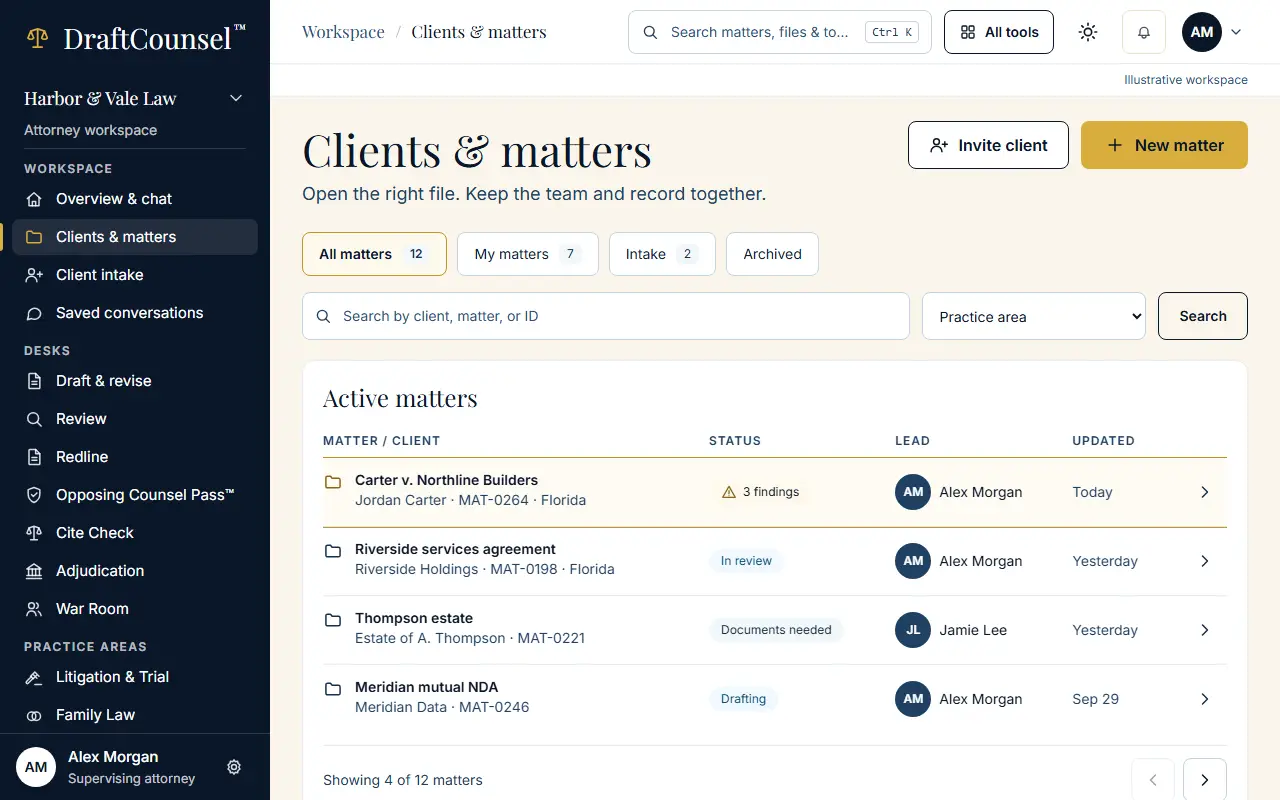
Clients and matters are searchable by client, matter or ID, and grouped as all, yours, intake and archived.
Step 1 of 2: Open Clients & matters. Every matter is listed with its client, its ID and its state.
Step 2 of 2: Search by client, matter or ID. The list narrows to the matters that match.
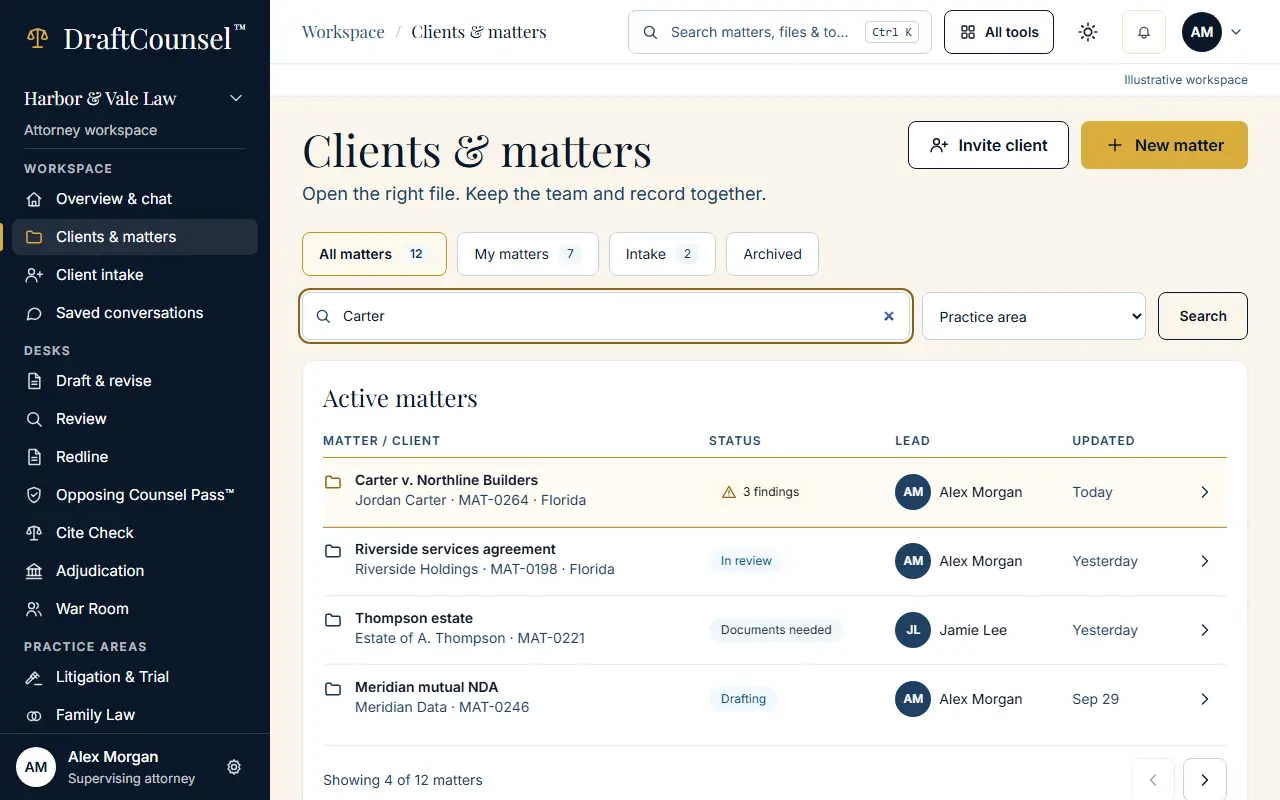
The screens are captured by the test that performs this guide; the illustrative workspace in them holds fictional matters only.