Help · Matters and the workspace
Help
Find any tool from the firm workspace
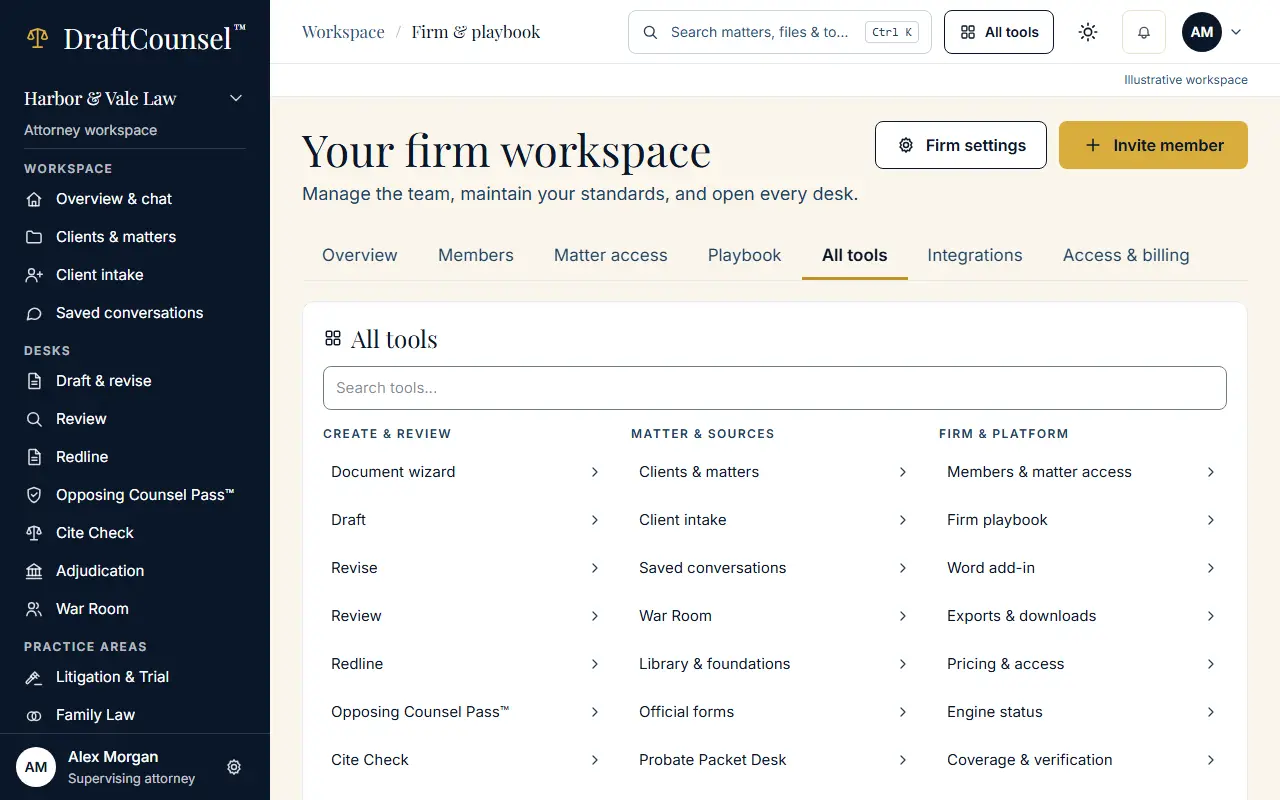
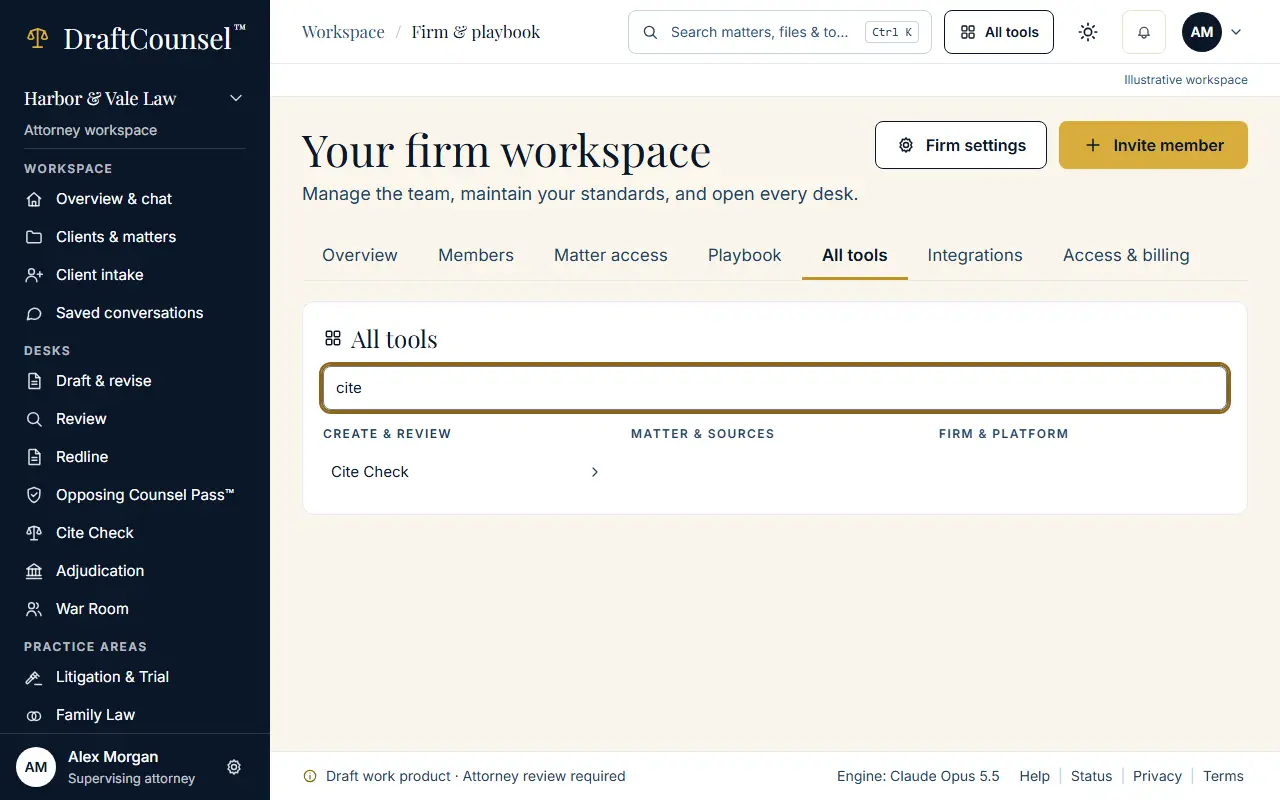
All tools are listed in one place, and a search narrows them by name.
Step 1 of 2: Open the firm workspace and choose All tools.
Step 2 of 2: Search for the tool by its name, for example Cite Check.
The screens are captured by the test that performs this guide; the illustrative workspace in them holds fictional matters only.