Help · Matters and the workspace
Help
See the firm’s members and who can open each matter
The firm workspace keeps the members, their roles and the access to each matter.
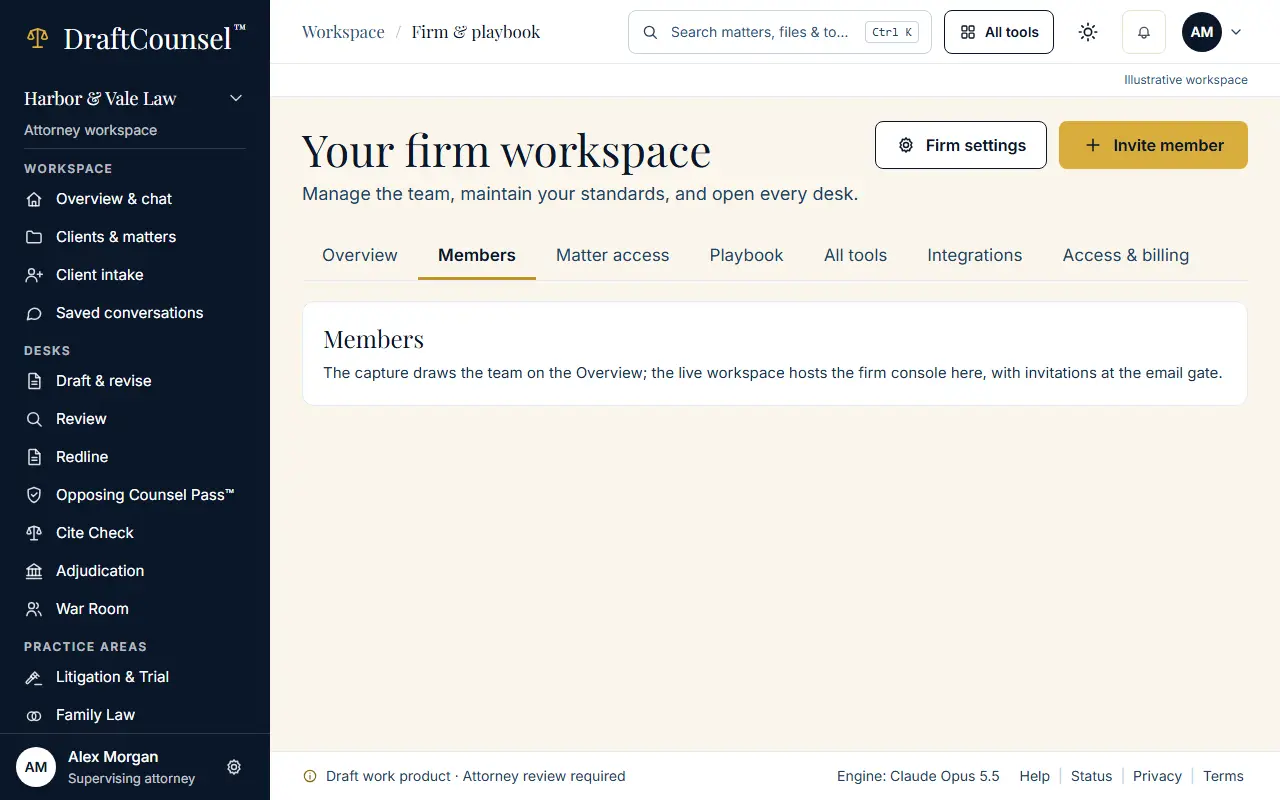
Step 1 of 2: Open the firm workspace and choose Members.
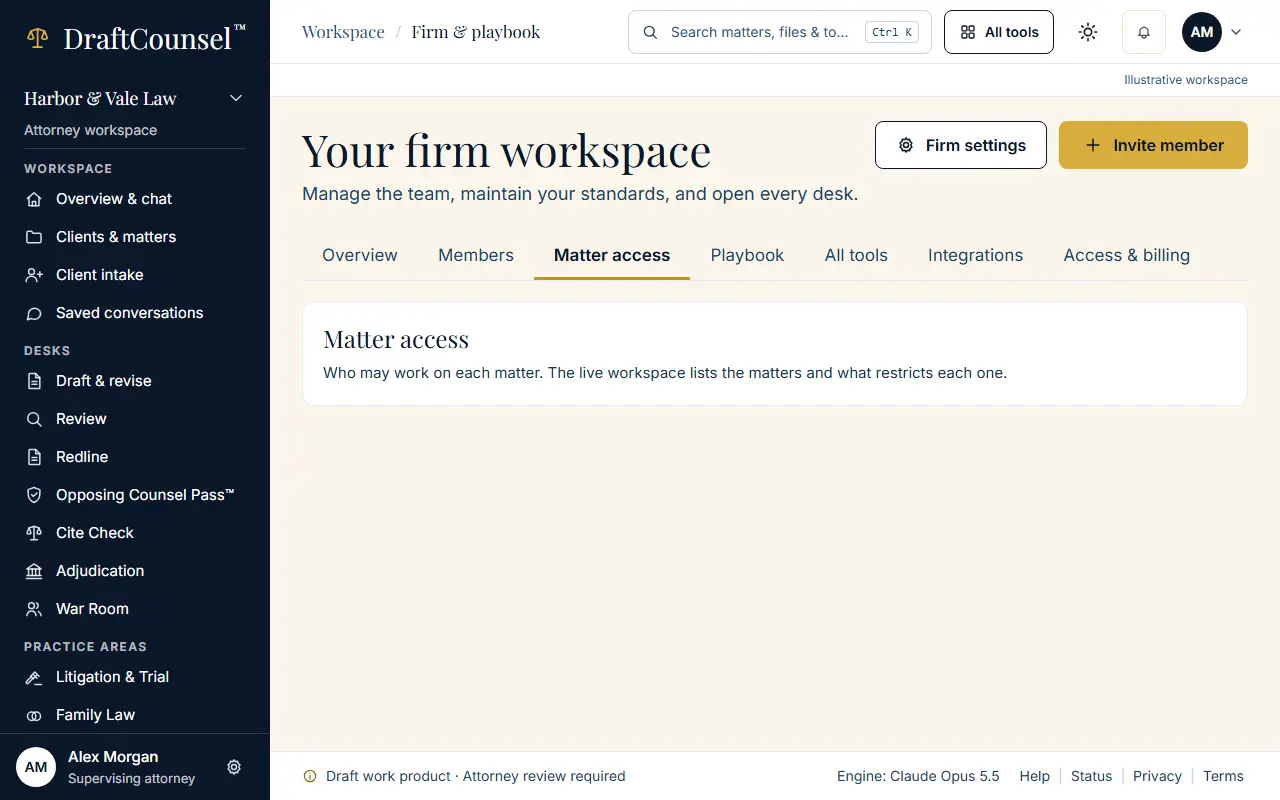
Step 2 of 2: Choose Matter access to see who can open each matter; an ethical wall denies whatever the role.
The screens are captured by the test that performs this guide; the illustrative workspace in them holds fictional matters only.