Help · Matters and the workspace
Help
Read the firm’s playbook
The playbook holds the firm’s positions, which the review and the Opposing Counsel Pass measure a document against.
Step 1 of 2: Open the firm workspace. Its overview names the firm’s playbook with its clauses and review rules.
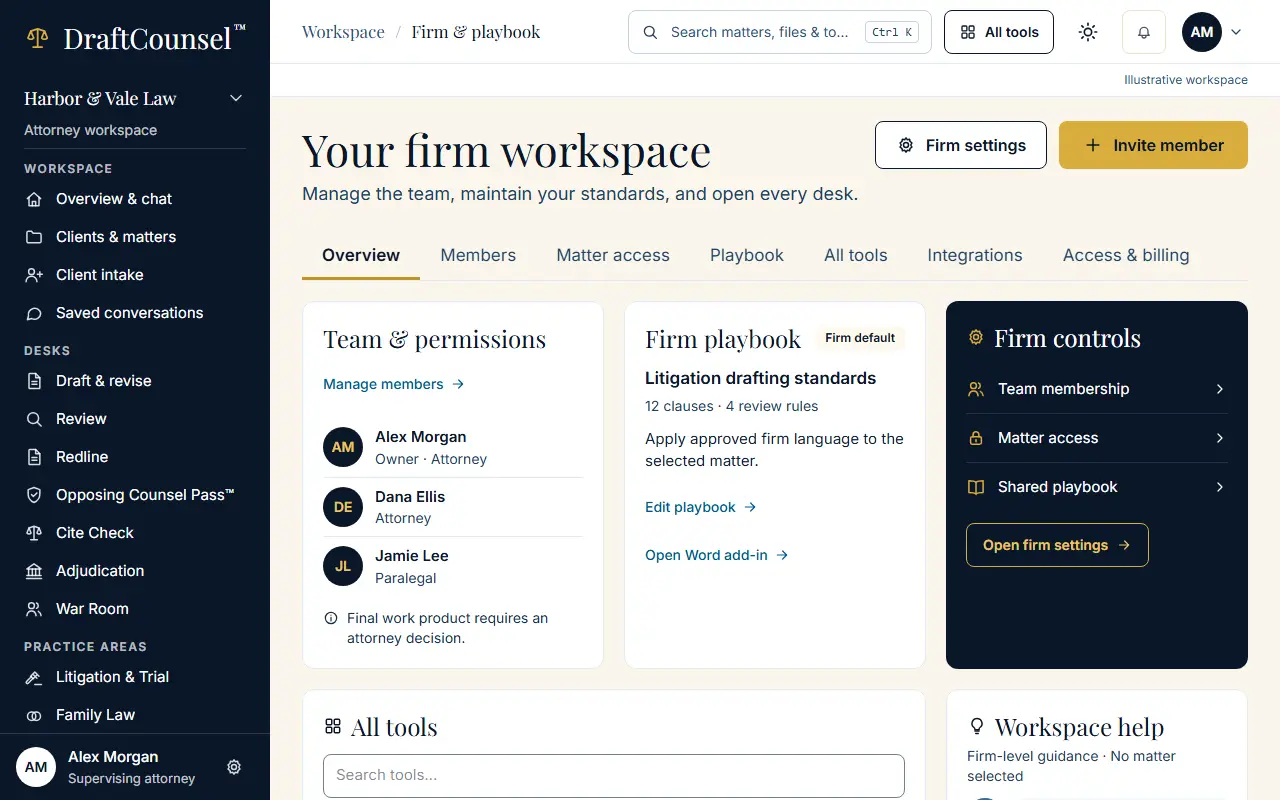
Step 2 of 2: Choose Edit playbook to open the Playbook tab, where a position is changed; in your workspace the change is recorded with your name.
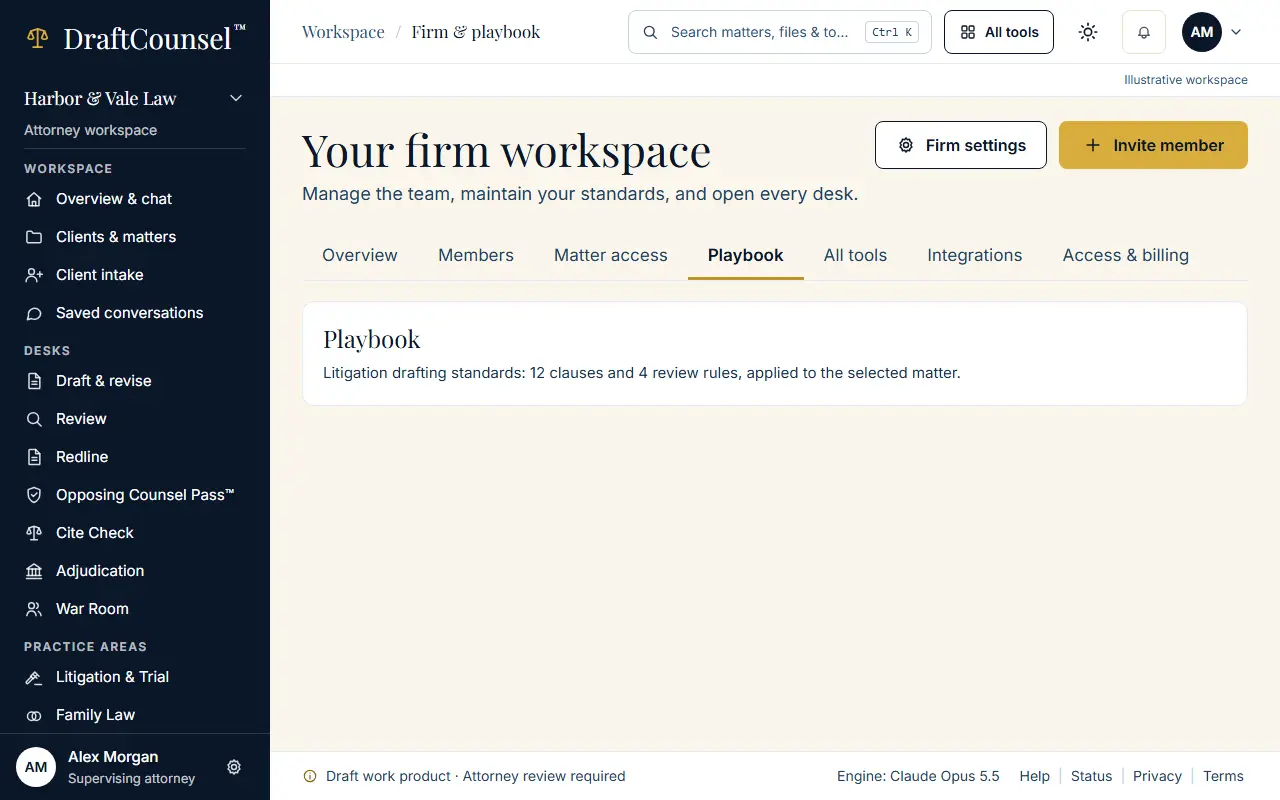
The screens are captured by the test that performs this guide; the illustrative workspace in them holds fictional matters only.