Help · Review and decisions
Help
Move between findings and their views
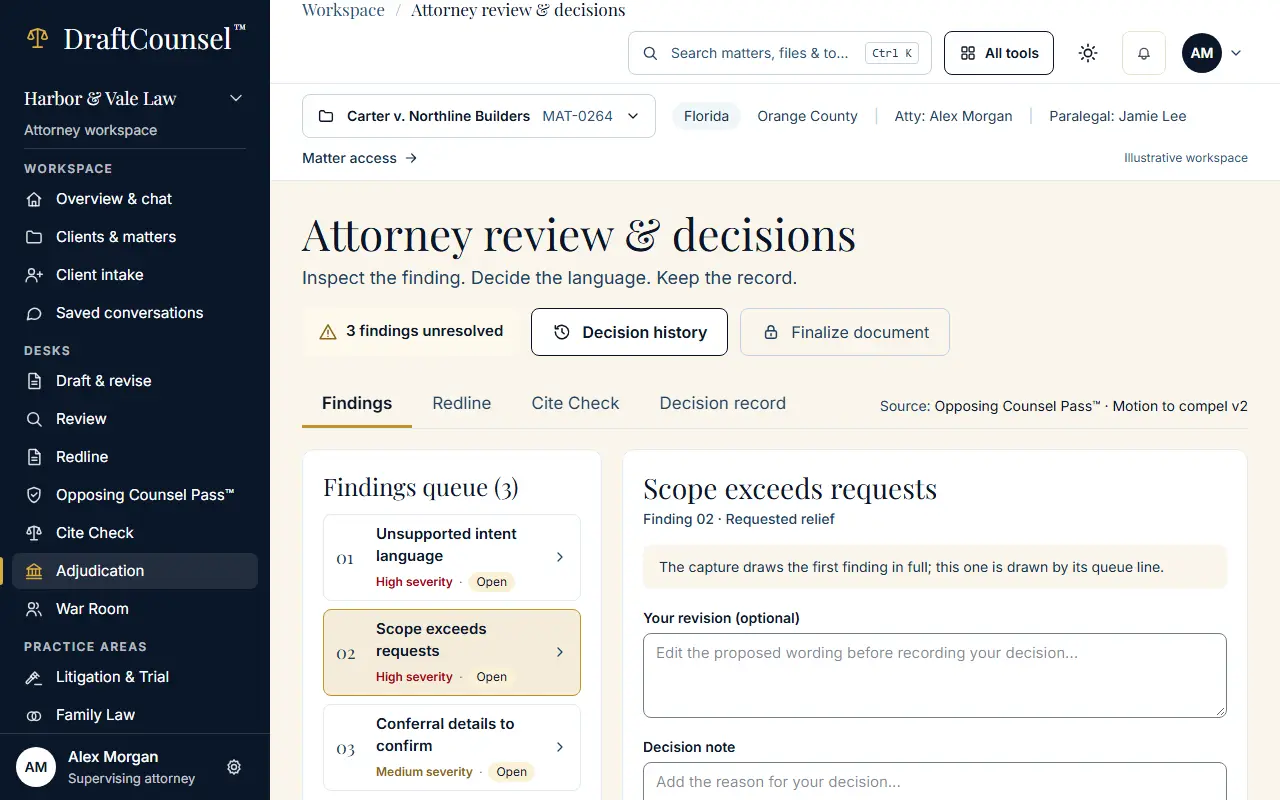
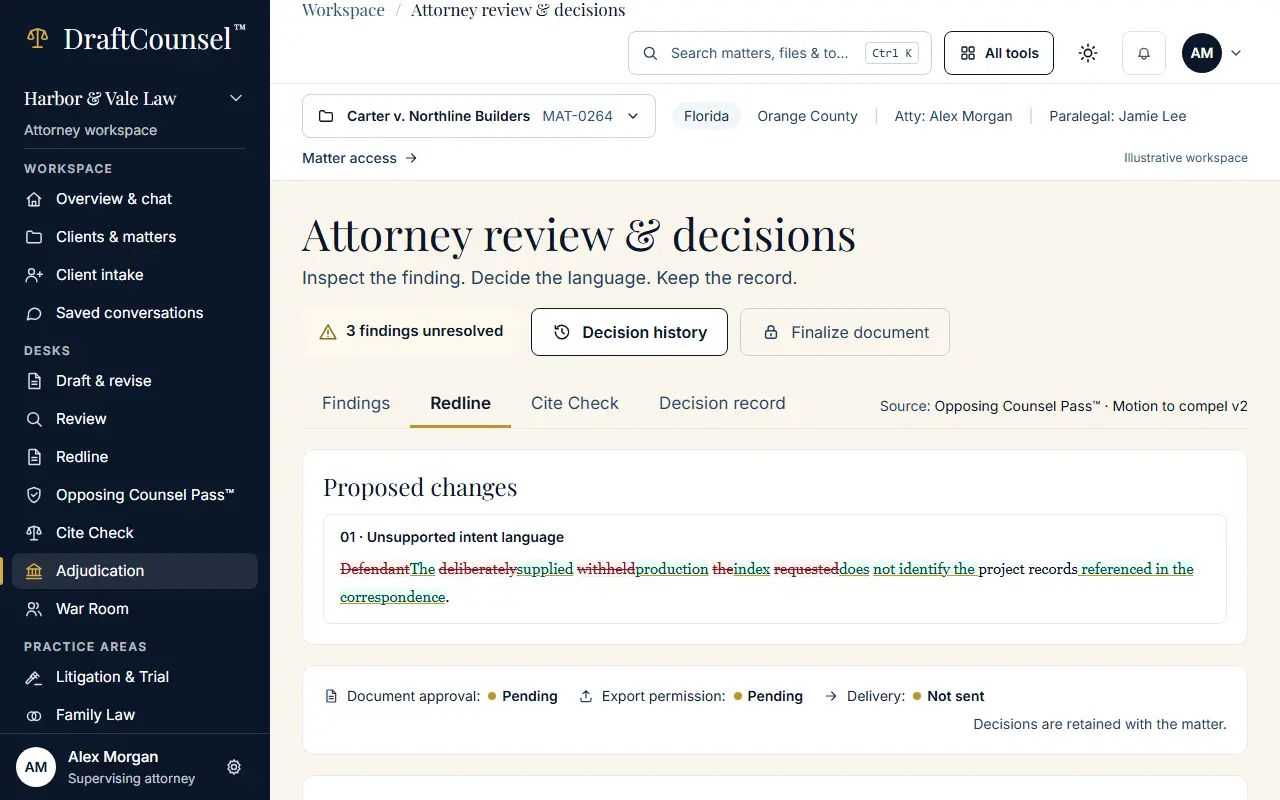
The findings queue, the redline and the cite check of the same review are tabs of one desk.
Step 1 of 2: Open Attorney review & decisions and choose the second finding in the queue.
Step 2 of 2: Choose the Redline tab to see the finding’s change in place.
The screens are captured by the test that performs this guide; the illustrative workspace in them holds fictional matters only.