Help · Matters and the workspace
Help
Open one of the matter’s files
Each file on the overview opens in the matter’s sources, where it is read page by page.
Step 1 of 2: Open the matter and find the file on the overview.
Step 2 of 2: Choose the file. The Sources tab opens on it.
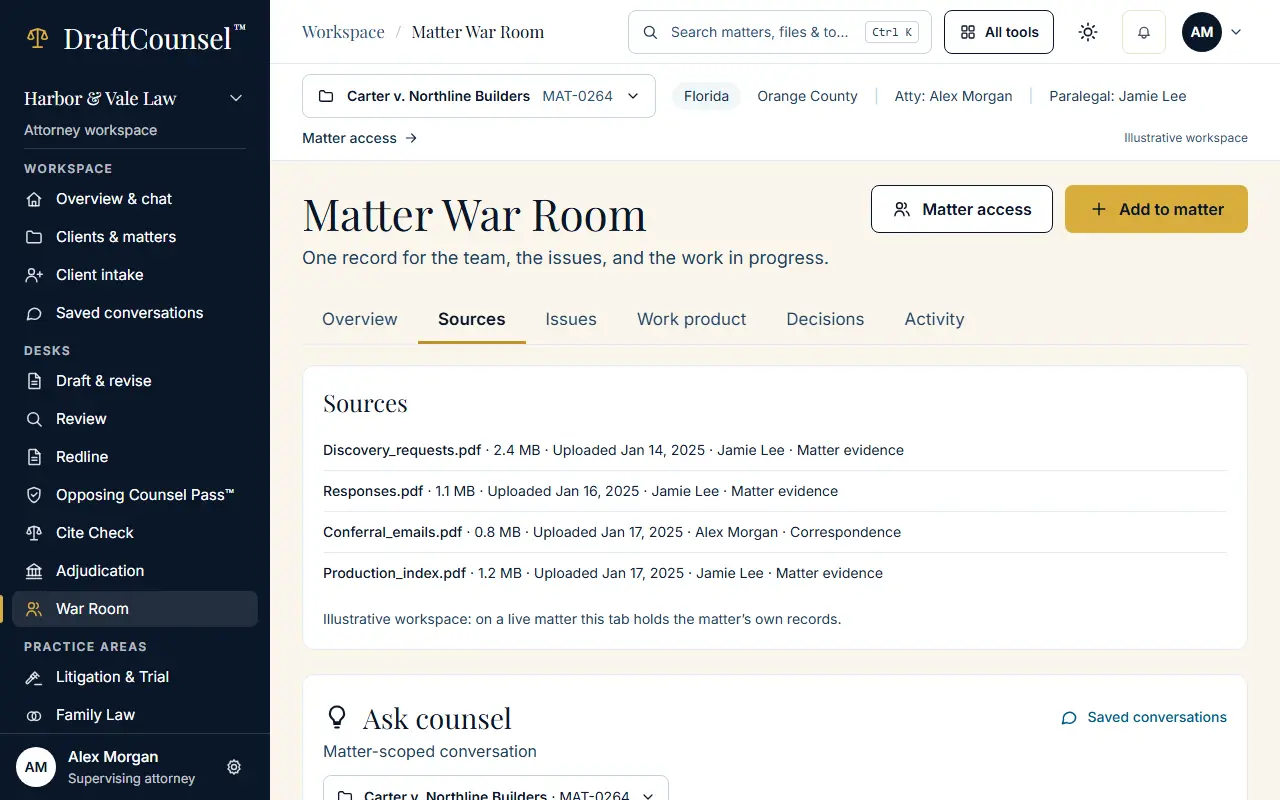
The screens are captured by the test that performs this guide; the illustrative workspace in them holds fictional matters only.