Help · Getting started
Help
Open the drafting workspace and choose an operation
Where every operation starts: the composer, the operations above it, and the files attached to the request.
Step 1 of 2: Open the workspace. The composer asks about the matter or for the work to prepare, with the matter’s files attached beneath it.
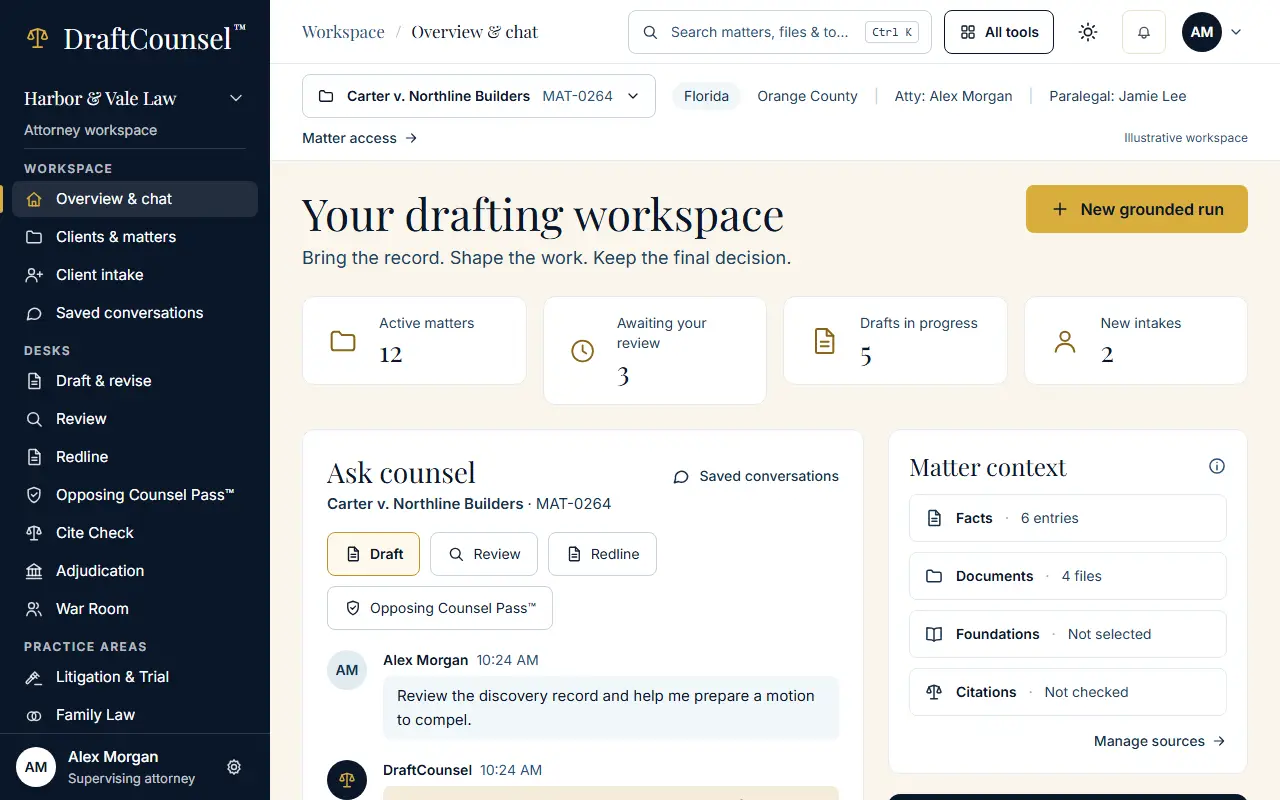
Step 2 of 2: Choose the operation above the composer: Draft, Review, Redline or the Opposing Counsel Pass. Each runs on the matter’s record.
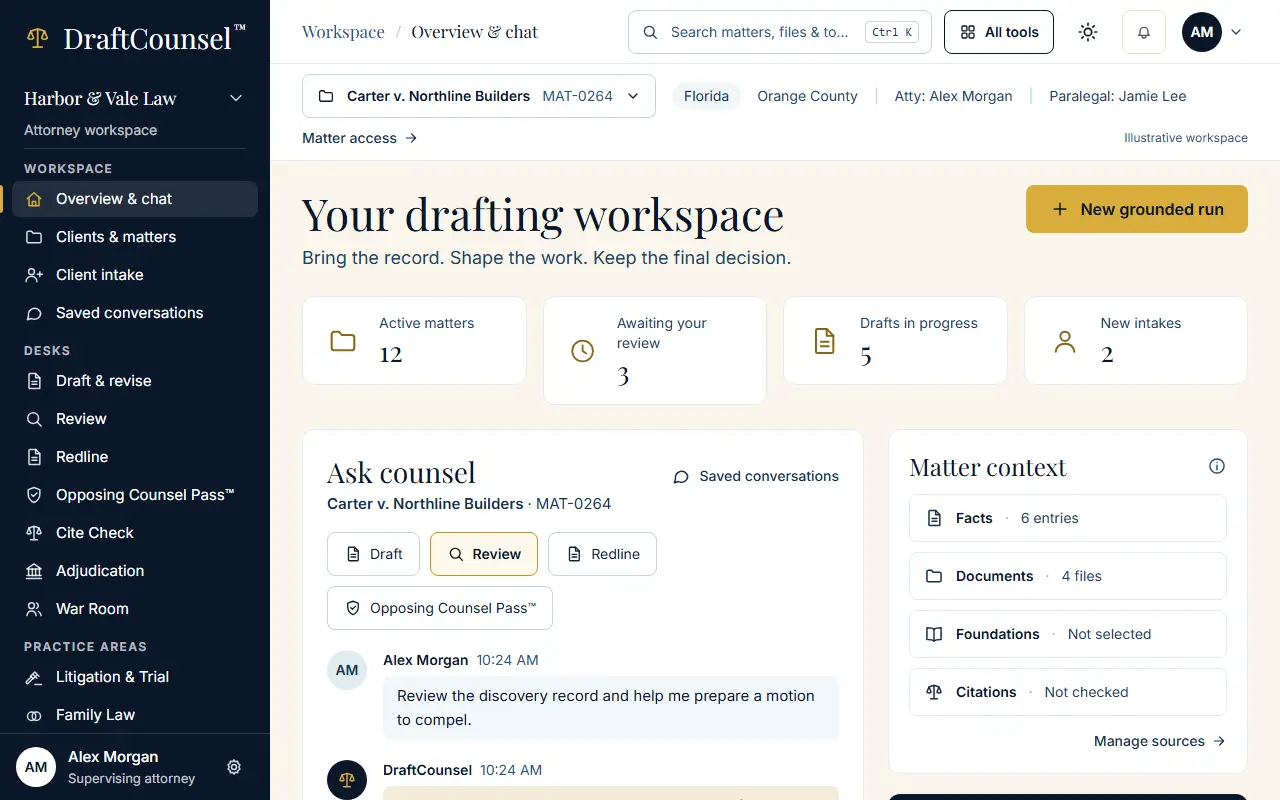
The screens are captured by the test that performs this guide; the illustrative workspace in them holds fictional matters only.