Help · Getting started
Help
Read what a desk takes, refuses and records
Each desk has a reference page: its inputs, its limits, what it refuses with the rule that enforces it, and what it records.
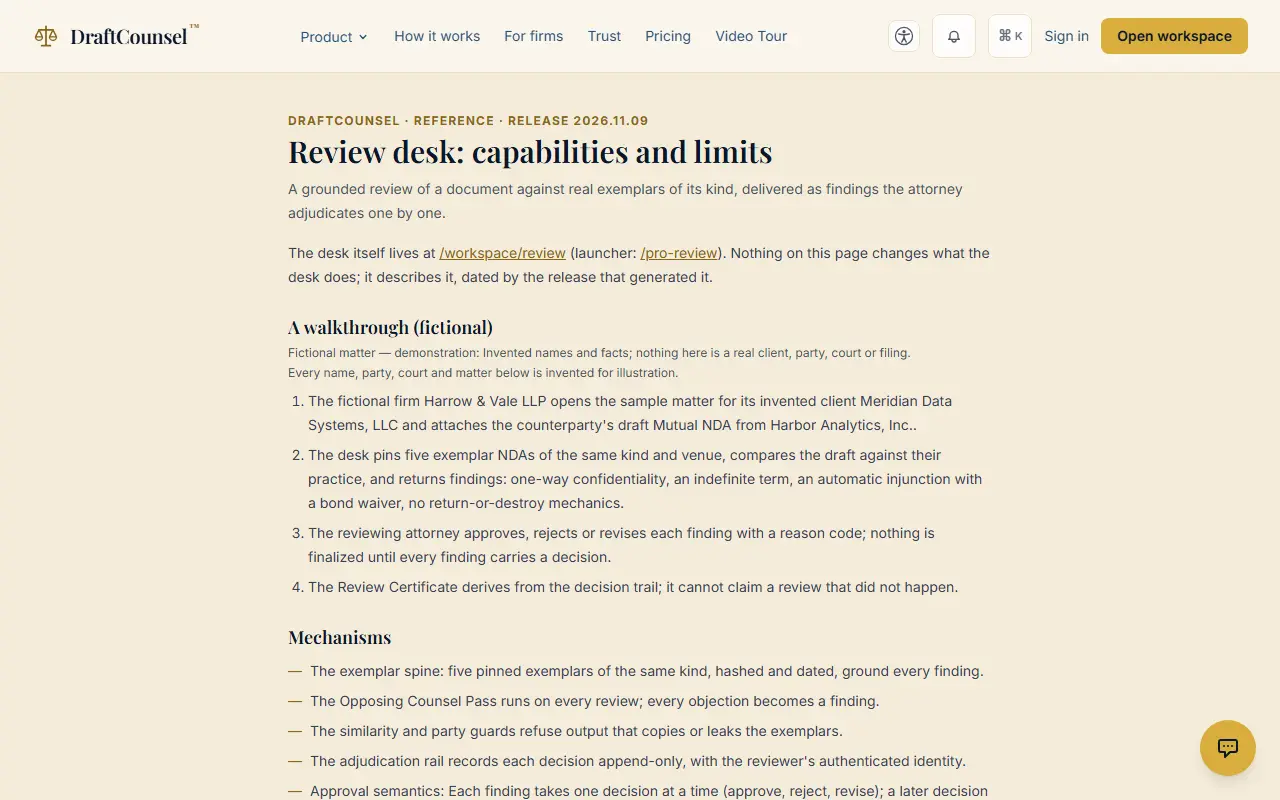
Step 1 of 2: Open the review desk’s reference. It lists what the desk takes, its limits and what it records.
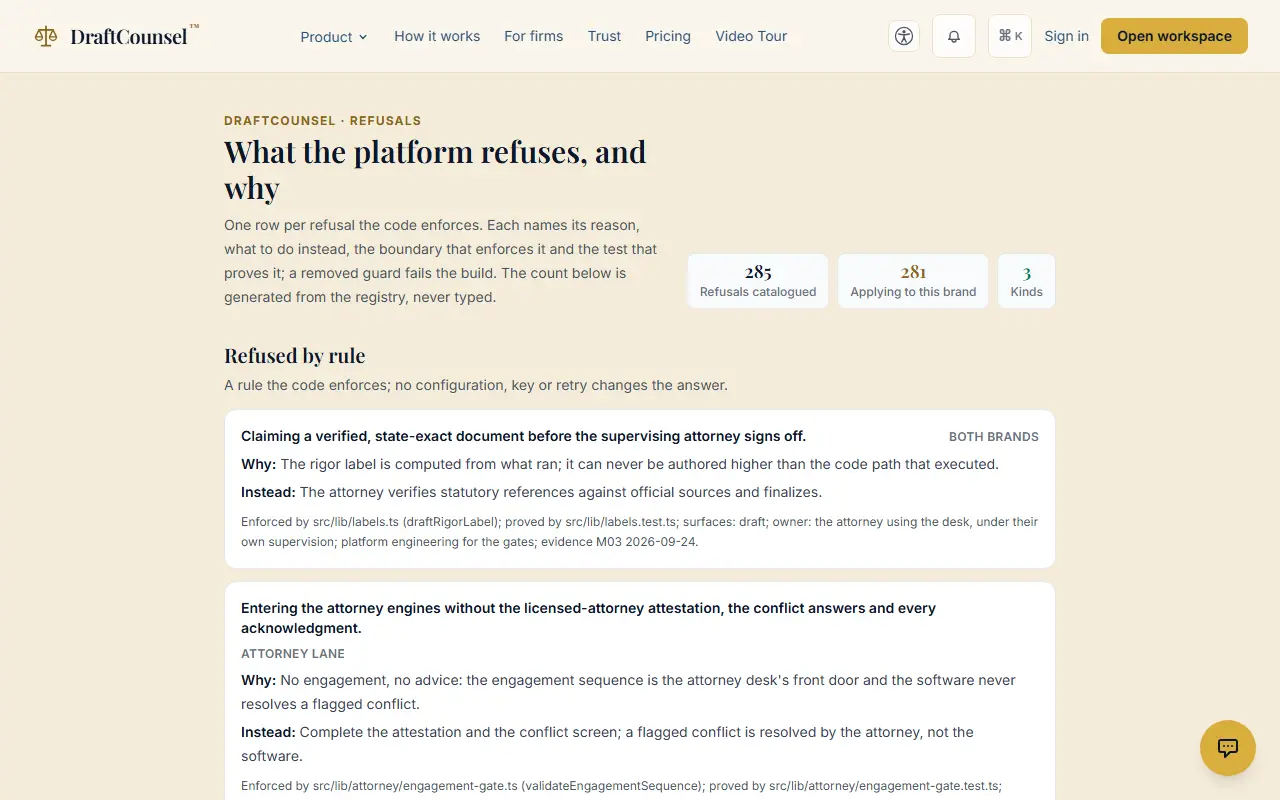
Step 2 of 2: Follow the link to the refusals: every refusal the platform makes, each with the code that enforces it and a test.
The screens are captured by the test that performs this guide; the illustrative workspace in them holds fictional matters only.