Help · Getting started
Help
Read the prices before you start
Pricing is per matter, with no seats and no subscription; the page states whether purchasing is open.
Step 1 of 2: Open the pricing page. Each price is per matter and per document, with the engine upgrades beside it.
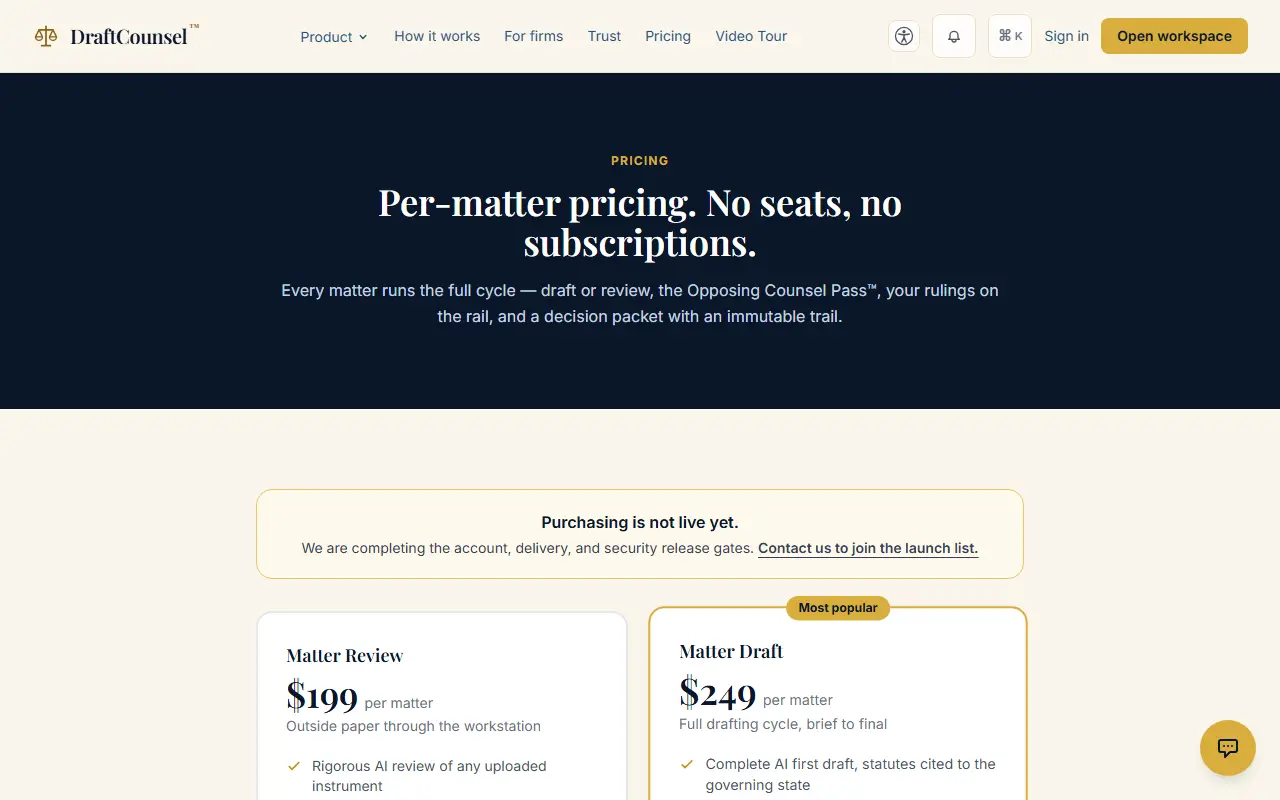
Step 2 of 2: Read the line under the prices: it says plainly whether purchasing is open today, and how to join the launch list if it is not.
The screens are captured by the test that performs this guide; the illustrative workspace in them holds fictional matters only.