Help · Review and decisions
Help
Read a document review’s findings
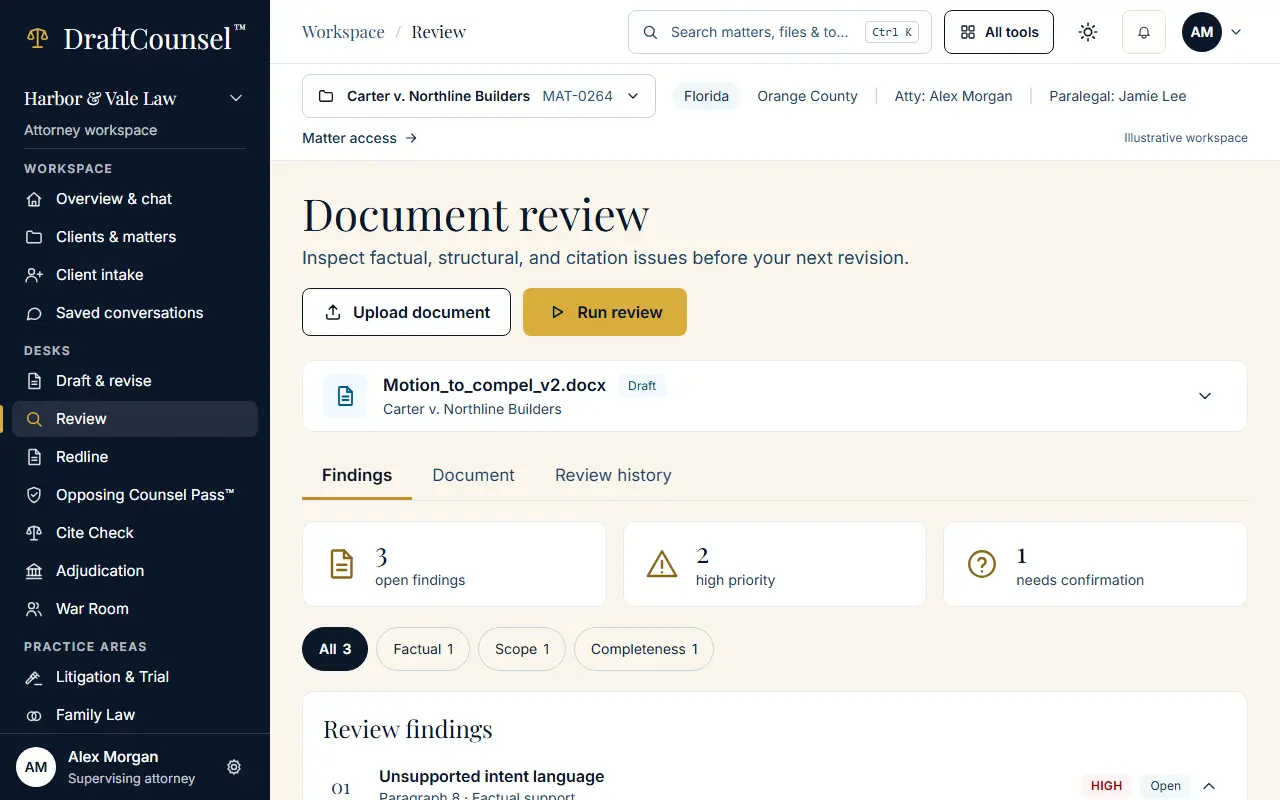
A review lists its findings by category, with the document and the review history beside them.
Step 1 of 3: Open the review desk. The findings are listed with their category and priority.
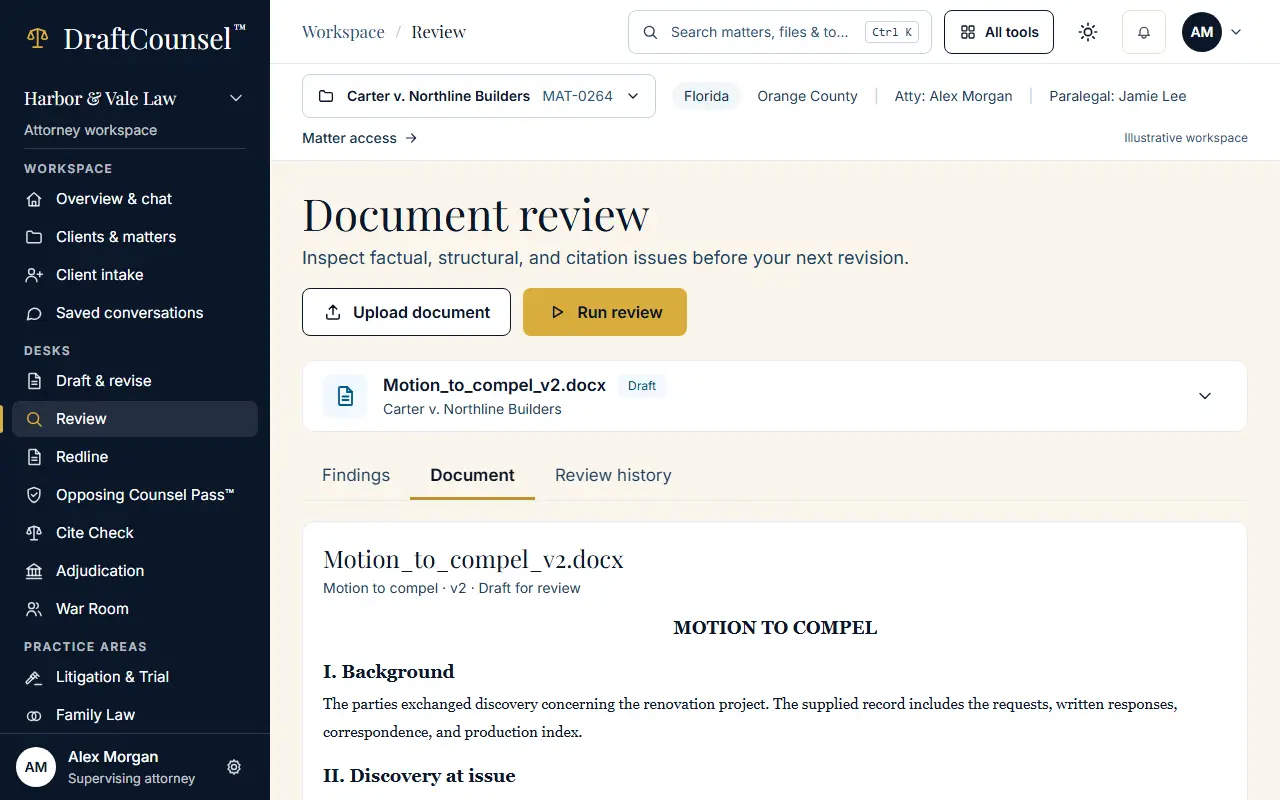
Step 2 of 3: Choose the Document tab to read the document the findings point into.
Step 3 of 3: Choose Review history to see each run of the review.
The screens are captured by the test that performs this guide; the illustrative workspace in them holds fictional matters only.