Help · Drafting and redlines
Help
Ask for a change to a draft
Describe the change in your words; the desk previews the revision before anything changes.
Step 1 of 2: Open the drafting desk and describe the change you want.
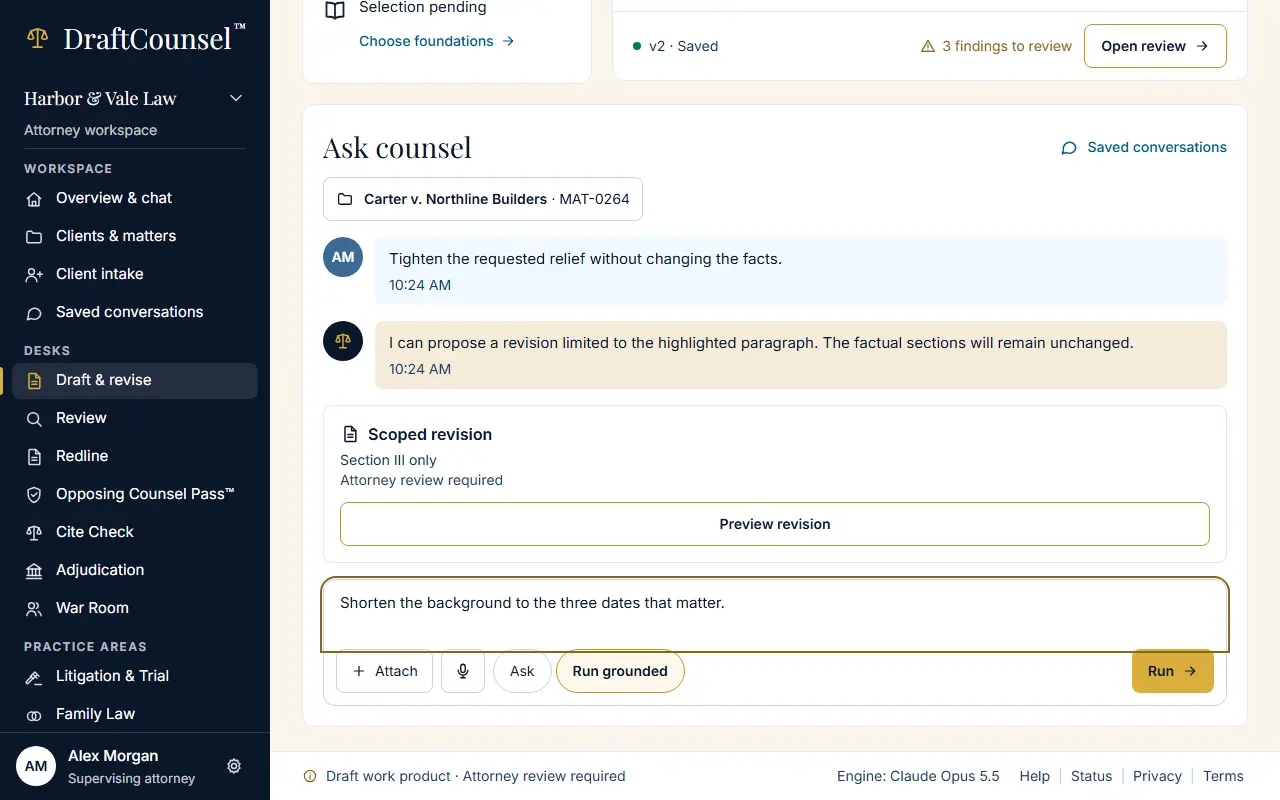
Step 2 of 2: Choose Preview revision. In your workspace the revision is shown for you to accept or not; the illustrative workspace keeps nothing.
The screens are captured by the test that performs this guide; the illustrative workspace in them holds fictional matters only.