Help · Receipts and proof
Help
Verify a decision packet in your browser
A decision packet is checked in this tab, without upload: the digests, the bytes, the declared checks, the signature and what is missing.
Step 1 of 2: Open the verify page and load the fictional sample.
Step 2 of 2: Choose Verify locally. The result says each check separately; the sample is unsigned, and says so.
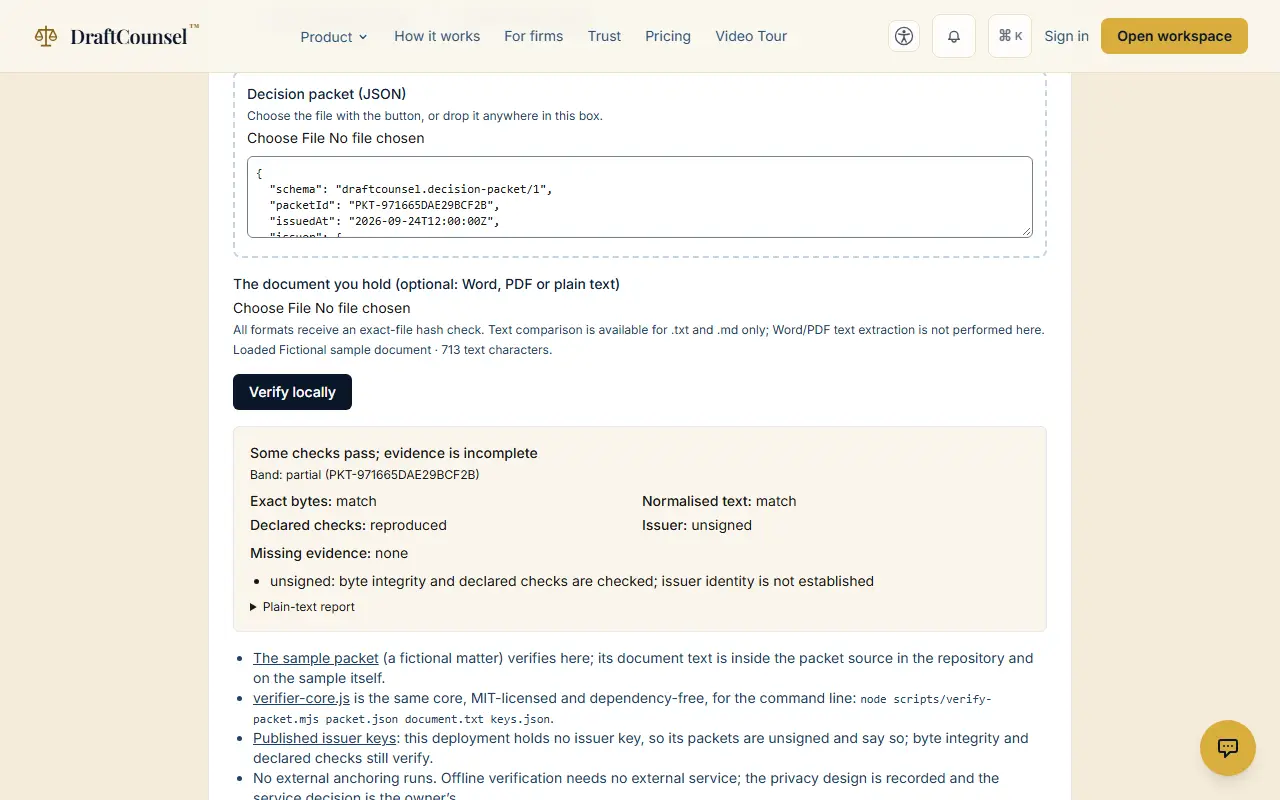
The screens are captured by the test that performs this guide; the illustrative workspace in them holds fictional matters only.