Help · Drafting and redlines
Help
Use the firm’s clauses and the cite check inside Word
The Word add-in brings the firm’s clauses and the cite check into the task pane.
Step 1 of 2: Open the Word add-in page. It names what the pane does and how to install it.
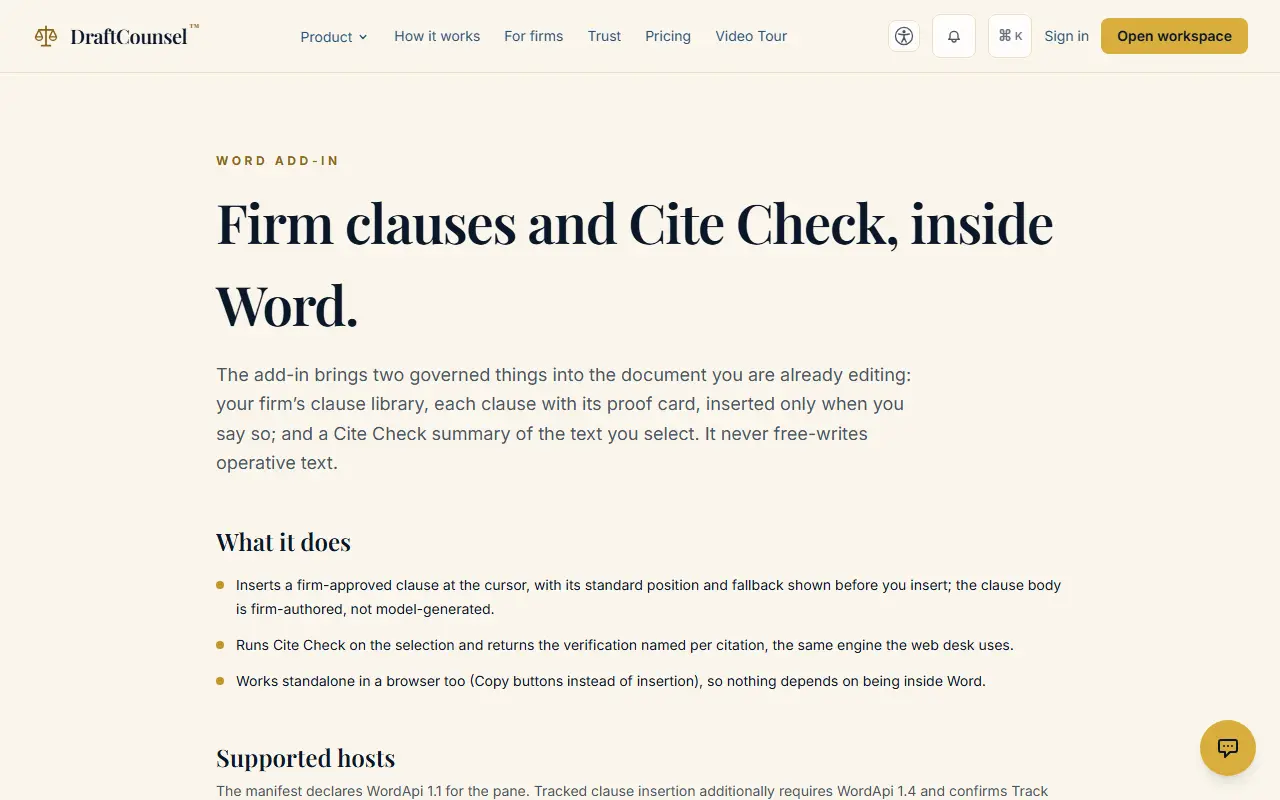
Step 2 of 2: Download the manifest and add it in Word, or open the pane in the browser first; sign in before you use it.
The screens are captured by the test that performs this guide; the illustrative workspace in them holds fictional matters only.